Set up a Monday follow-up in plain words
Write the rule once. Lenz drafts the nudges on schedule, in your timezone.
Following up is where raises quietly die. Set this up once and Lenz keeps on top of it for you.
Check your timezone
Lenz runs your schedule in your workspace's timezone. Make sure it's right under Settings → General. Only owners can change it.
Describe the automation
Go to Automations and click New automation. Then just say what you want:
"Every Monday at 9am, draft a follow-up to anyone I emailed more than a week ago who hasn't replied."
No schedule picker, no rules builder. Lenz turns what you wrote into a schedule.
Read it over
New automations start paused, so nothing runs until you've had a look. Check that the schedule and the instructions say what you meant. If not, ask Lenz to change it.
Turn it on
Click Turn on. From then on, it runs as you, without asking first.
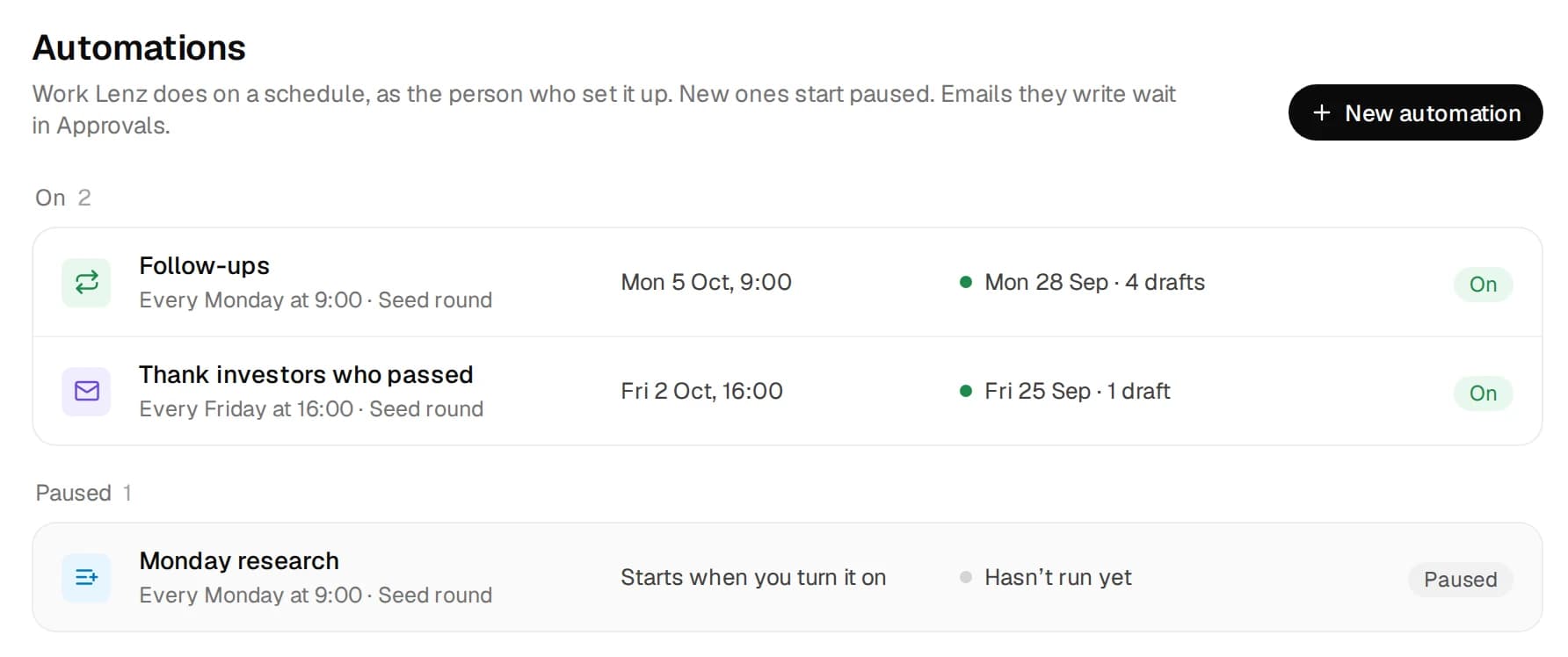
Each Monday, Lenz reads each thread and drafts the follow-up as a reply. The drafts wait in Approvals until you send them.